Check-ins are the heartbeat of online coaching. They're where data becomes feedback. Where numbers become motivation. Where coaching happens.
Do them right, and retention soars. Do them poorly, and clients ghost.
This guide covers the complete check-in process: what to track, how to collect it, how to review efficiently, and what to send back that actually drives results.
Why Check-Ins Are the Retention Lever
Weekly check-ins do three things:
- Track progress (the data you need to coach effectively)
- Create accountability (knowing you're watching keeps clients honest)
- Maintain relationship (weekly touchpoint = weekly reminder you exist)
Clients who submit check-ins consistently have 3x better retention than clients who don't. It's not just correlation — the act of checking in reinforces commitment.
Miss one week? Life happens.
Miss two weeks? They're mentally checked out.
Miss three weeks? They're gone.
Your job is to keep the check-in habit alive.
Check-In Frequency: Weekly vs Bi-Weekly vs Monthly
Weekly (recommended for 80% of clients):
- Best for fat loss, muscle gain, or clients who need structure
- Catches issues early
- Builds the habit of reporting
- Higher engagement = better retention
Bi-weekly:
- Works for experienced clients who are self-sufficient
- Still regular enough to maintain accountability
- Less admin for you, but risk of losing engagement
Monthly:
- Only for maintenance clients or very experienced lifters
- Not ideal for transformation goals
- Easy for clients to drift between check-ins
Bottom line: Start weekly. Move to bi-weekly only if the client requests it and has proven they're self-sufficient.
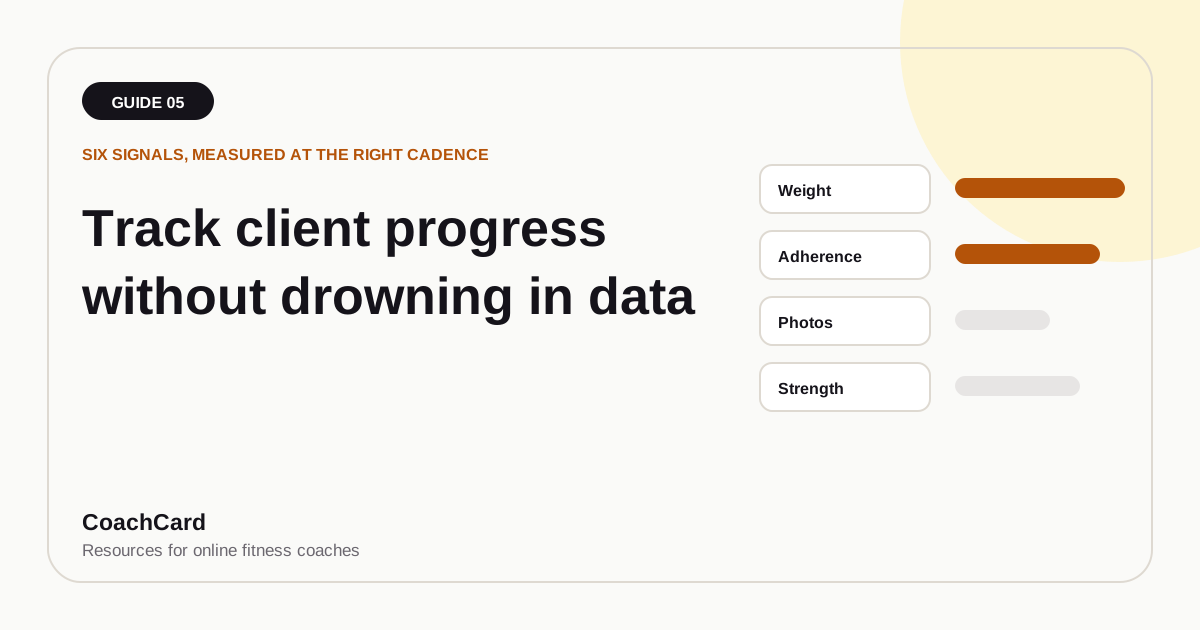
What to Track (The 8 Core Metrics)
Don't over-complicate. Track what moves the needle.
1. Body Weight
- Weekly average (not one weigh-in)
- Track morning weight for 7 days, take the average
- Why average? Reduces noise from water retention, sodium, hormones
2. Measurements
- Waist, hips, chest, arms, thighs (pick 3-5 based on goal)
- Measure same spots every time (consistency > precision)
- Monthly is fine (weekly fluctuations are too small to matter)
3. Progress Photos
- Front, side, back (same lighting, same time of day)
- Every 2-4 weeks
- Most powerful visual proof of progress
4. Workout Adherence
- Did they complete the workouts? (e.g., "4 out of 5 sessions")
- This is your #1 behavioral metric
- Perfect adherence + no results = time to adjust the plan
5. Performance Metrics
- Strength (weight lifted, reps completed)
- Endurance (run times, cardio output)
- This is often the first thing that improves (before the scale moves)
6. Energy Level (1-10 scale)
- Subjective but useful
- Dropping energy + perfect adherence = overtraining or under-recovery
7. Hunger Level (1-10 scale)
- High hunger consistently = calories too low
- No hunger = calories might be too high (or client isn't tracking accurately)
8. Notes / Challenges
- Open text: "Anything you want me to know about this week?"
- This is where you catch life chaos, injuries, mental health struggles
That's it. 8 things. More data = more time analyzing noise.
How to Collect Data (Forms vs Spreadsheets vs Apps)
Option 1: Google Forms (Free, Simple)
✅ Easy to set up
✅ Responses go to a spreadsheet
✅ Works for any client
❌ No built-in progress tracking
❌ Manual data entry to track trends
Best for: Starting out, <20 clients
Option 2: Typeform ($25-70/month)
✅ Beautiful UI (clients enjoy filling it out)
✅ Logic jumps (ask follow-ups based on responses)
✅ Integrates with tools
❌ Costs money
❌ Still manual for trend analysis
Best for: 20-50 clients who value polish
Option 3: Coaching App (Trainerize, TrueCoach, etc.)
✅ Built-in check-in system
✅ Automatic trend tracking
✅ All-in-one (workouts + check-ins)
❌ Costs $20-150/month
❌ Less customizable
Best for: 30+ clients, want automation
Option 4: Spreadsheet (DIY)
✅ Free
✅ Fully customizable
❌ Clients have to manually enter data
❌ Easy to mess up (wrong cell = broken formula)
Best for: Tech-savvy clients, <10 clients
Recommendation: Start with Google Forms. Move to a coaching app at 20-30 clients.
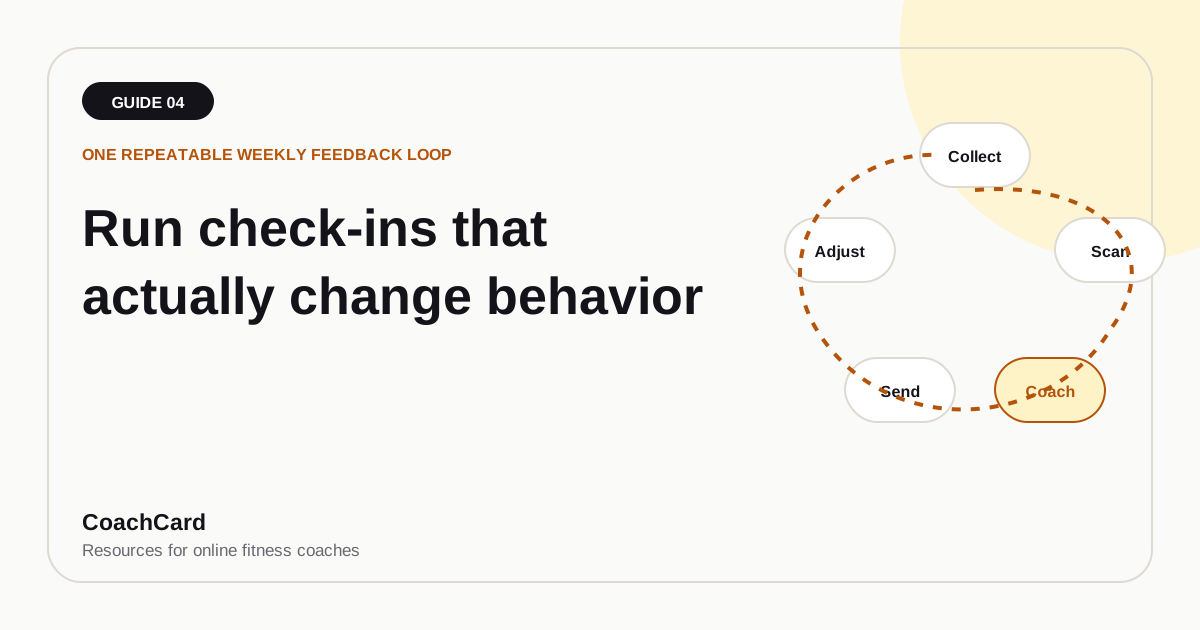
The Review Process (How to Analyze 30 Check-Ins Efficiently)
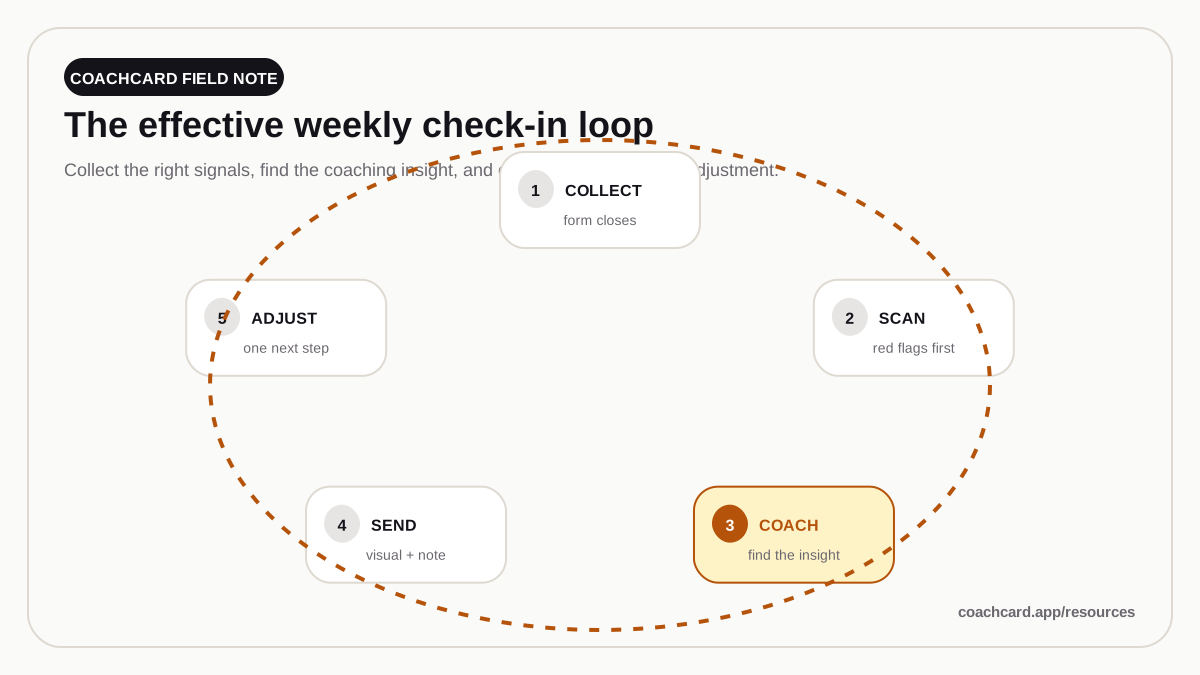
If you're reviewing check-ins one-by-one as they come in, you're doing it wrong. Batch them.
Step 1: Scan for Red Flags (10 min)
Open all check-ins. Look for:
- Big weight spikes (up or down >3 lbs)
- Adherence crash (missed 3+ workouts)
- Energy consistently <5
- Notes about injury, life chaos, or quitting thoughts
Flag these for deeper review. Everyone else is "normal progression."
Step 2: Write Notes for All Clients (30-40 min)
You're in "writing mode." Review data, write personalized note. Don't switch to programming or other tasks.
Structure:
- Acknowledge the data
- Highlight the win
- Set next week's focus
Takes 60-90 seconds per client if you have templates.
Step 3: Generate and Send Progress Reports (20-30 min)
Use a tool like CoachCard that turns check-in data into a visual report. Review, tweak if needed, send.
Total time for 30 clients: 60-80 minutes if you batch. 3-5 hours if you do one at a time.
The Response (What to Send Back to the Client)
Your check-in response has two parts:
Part 1: The Data Summary (What Happened)
"Weight down 0.8 lbs, waist down 0.4 inches, adherence 5/5."
Part 2: The Coaching Note (What It Means + What's Next)
This is where coaching happens. 3-5 sentences:
- Lead with the win: "This is exactly what we want to see."
- Anchor in data: "Waist down consistently = fat loss."
- Acknowledge effort: "5/5 workouts despite travel shows commitment."
- Set focus: "This week: same plan, let's keep it rolling."
Bad example:
"Great work! Keep it up!"
Good example:
"Sarah, this is the third straight week of downward trend in waist measurement — that's fat loss, even when the scale doesn't cooperate. Your adherence has been flawless (5/5 workouts), and that consistency is what's driving results. This week: same plan, same intensity. Let's aim for another 5/5 and keep the momentum."
The second one takes 30 seconds longer to write. And it's the reason Sarah sticks around for 12 months instead of 3.
The Progress Report (Visual > Text)
Don't just send a text message. Send a visual progress report.
What it should include:
- Their key numbers
- A trend chart (weight over 4-8 weeks)
- Your personalized note
- Professional design
Why? Because clients save it, share it, come back to it when motivation dips.
A text message gets read once. A progress card becomes proof.
Weekly Check-In Structure (The Quick Review)
Frequency: Every week
Purpose: Track trends, maintain engagement
Time investment: 60-90 seconds per client
What you're looking for:
- Is the trend moving in the right direction?
- Is adherence consistent?
- Are there red flags (injuries, life chaos)?
Response:
- Acknowledge the data
- Highlight the win (even if small)
- Set focus for next week
When to adjust the plan: Not weekly. Weekly data is too noisy. Adjust after 3-4 weeks of a plateau.
Monthly Check-In Structure (The Deep Dive)
Frequency: Every 4 weeks
Purpose: Big-picture review, adjust the plan
Time investment: 5-10 minutes per client
What to review:
- 4-week trend (not individual weeks)
- Before/after photos (if applicable)
- Total adherence % for the month
- Performance changes (are they getting stronger?)
Response:
- Celebrate the 4-week milestone
- Show total progress ("Down 3.2 lbs and 1.5 inches in 4 weeks")
- Set the goal for next month
- Adjust programming if needed
When to do this: End of week 4, 8, 12, etc. Block extra time on your calendar.
Troubleshooting: When Clients Don't Check In
Week 1 Miss: Gentle Reminder
"Hey [Name], didn't see your check-in this week — everything okay? Just send it whenever you can."
Week 2 Miss: Direct Ask
"Haven't heard from you in 2 weeks — is everything alright? If you need to adjust the plan or take a break, let me know."
Week 3 Miss: Final Outreach
"I'm going to assume you need a pause, which is totally fine. Let me know if you want to pick back up — doors always open."
30-40% will respond and re-engage. Don't give up after one miss.
Templates & Tools
Check-In Form Template (Google Forms)
Questions:
- Weight this week (or 7-day average)
- Waist measurement (inches)
- Hip measurement (inches)
- Workouts completed (e.g., "4 out of 5")
- Energy level (1-10)
- Hunger level (1-10)
- Any notes or challenges? (open text)
- Upload progress photo (optional, every 2-4 weeks)
Response Template Library
See: Client Check-In Message Templates for 5 copy-paste templates covering every scenario.
Automation
What to automate:
- Check-in reminder (Sunday 6pm: "Check-in due in 3 hours")
- Follow-up if not submitted (Monday 10am: "Didn't see your check-in")
What NOT to automate:
- Your actual review and response (this must be human)
The Bottom Line
Check-ins are not admin work. They're coaching. They're the weekly touchpoint that keeps clients engaged, accountable, and progressing.
The system:
- Collect data weekly (Google Form or coaching app)
- Batch your reviews (Monday morning block)
- Send personalized responses (60-90 seconds each)
- Include a visual progress report (tools like CoachCard make this instant)
- Deep dive monthly (big picture review)
Clients who check in consistently stay 3x longer. Make it easy. Make it valuable. Make it a habit.
Automate Your Progress Reports — Try CoachCard
Turn check-in data into beautiful reports in 60 seconds. Clients love them, you save hours.